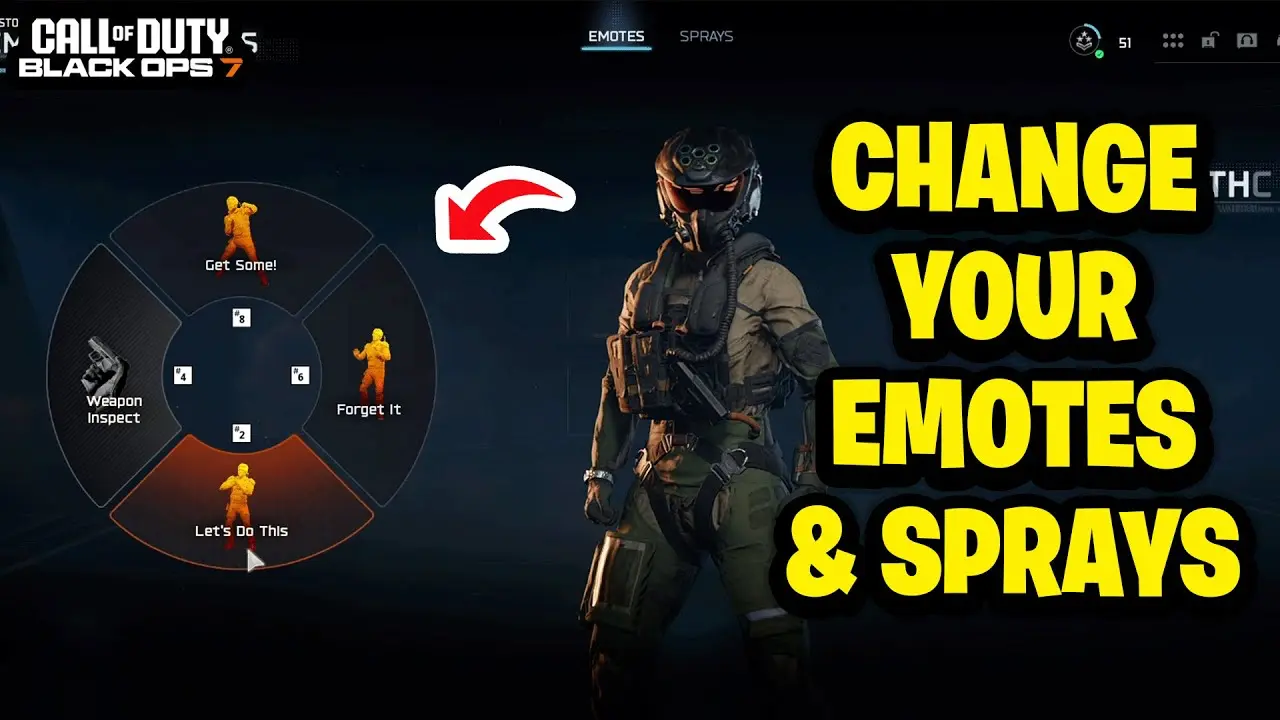
How to Change Your Emotes in Call of Duty Black Ops 7

1AM Gamer Team
26 November 2025 00:00 AM GMTIt took me a while to figure out how to change my emotes in Black Ops 7, or more accurately, I kept procrastinating on actually looking it up properly. So I decided to write this quick guide for anyone else who might be unsure about where to find this option.
First off, open up Black Ops 7 and head to Multiplayer (obviously). Once you're on the main screen where you can find matches, adjust loadouts, and access other options, navigate to the CAREER tab at the top of the menu. From there, select Customize.
In the Customize menu, you'll see several options. Click on EMOTES & SPRAYS, and you'll be able to browse and change all your available emotes. You can preview each emote before equipping it, and you'll have multiple emote slots to customize depending on what you've unlocked.
It's a very simple process once you know where to look. I'm honestly embarrassed it took me a week to figure this out, but hopefully this guide saves you some time if you've been wondering the same thing!
Related Articles
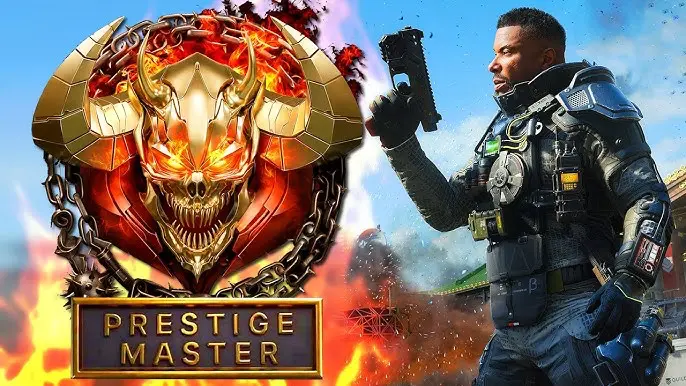
All Black Ops 7 Prestige Icons and How to Level Up Fast
Complete guide to all Black Ops 7 Prestige icons, rewards, and fastest XP farming methods to level up quickly through all 10 Prestige ranks and Master.
1AM Gamer Team
28 November 2025
How To Get Free Veiled Aurora Camo and 15 Hours of Double XP on Black Ops 7
Verify your Activision email to unlock the Veiled Aurora universal weapon camo and 15 total hours of Double XP tokens across all categories.
1AM Gamer Team
9 December 2025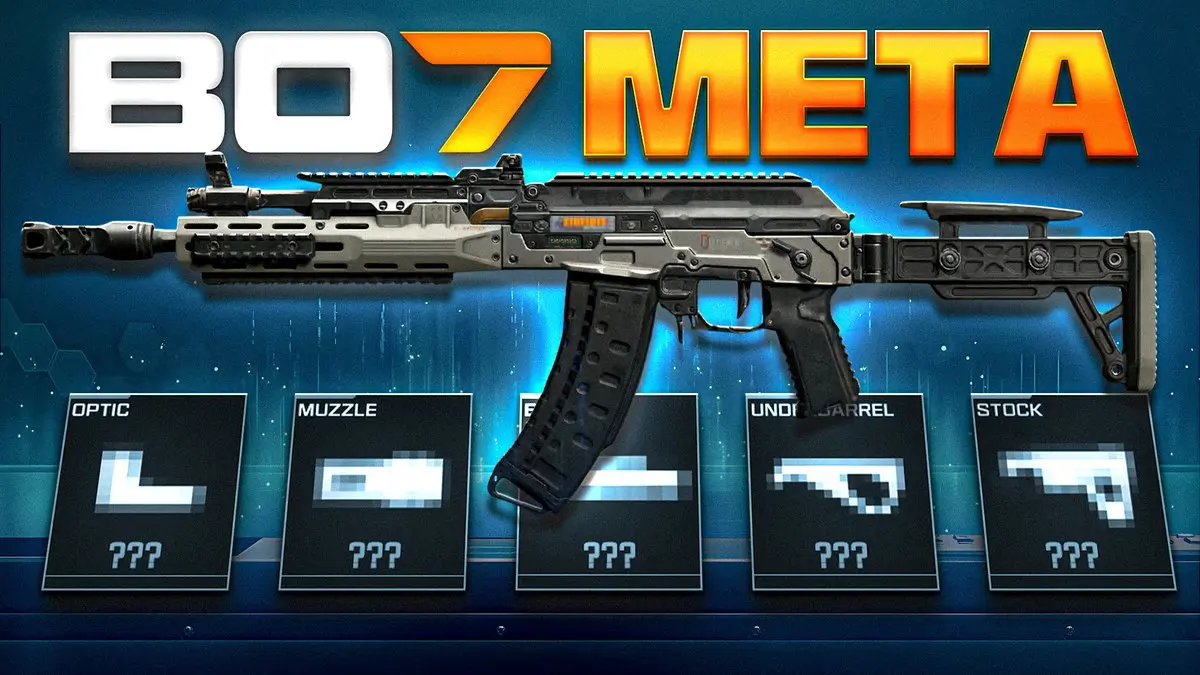
Black Ops 7 Best Class Setups Guide: Top Weapons for Every Playstyle
Best Black Ops 7 weapons guide: M15 MOD 0, Dravec 45, VS Recon, MK.78, and M8A1 dominate each class. Use our tool for optimized loadouts.
1AM Gamer Team
2 December 2025